 Digital Gameday
Connecting with Your Teams to Help with Gameday
How to find your teams in the app and access the team management features.
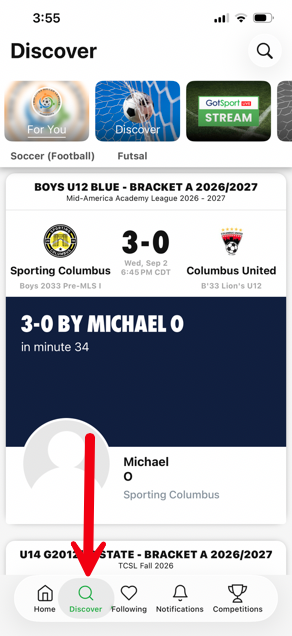
Open your GotSport Live app and go to the Discover tab at the bottom.
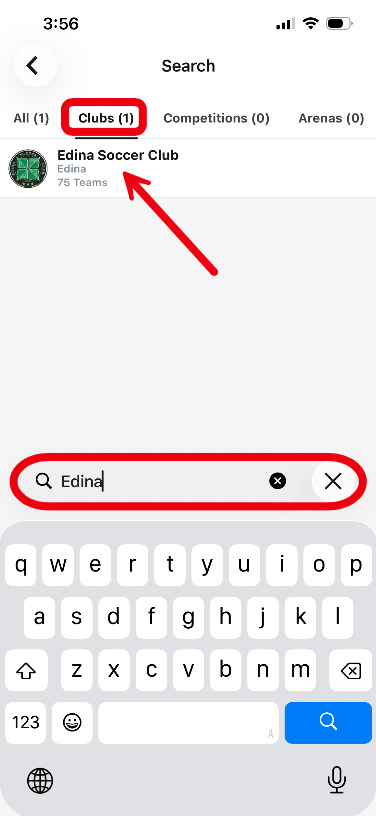
In your discover tab, search for your club.
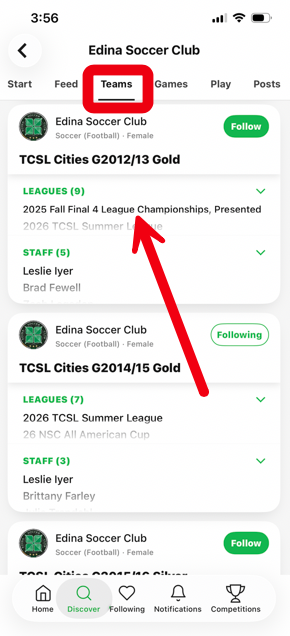
Once you're on the club page, go to the teams tab and find the team you want to help with and tap on it. (you could also go to the Games tab from here and find the game you want to help with)
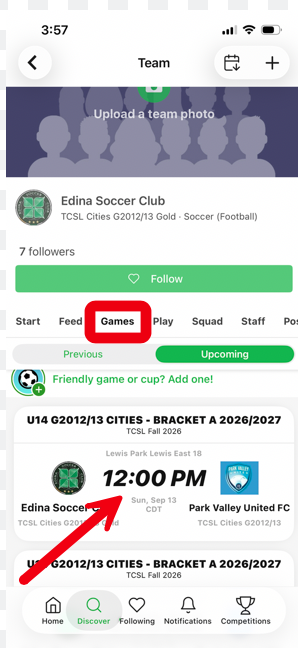
From the team page, go to the Games tab and tap on the game that you want to access team management options for.
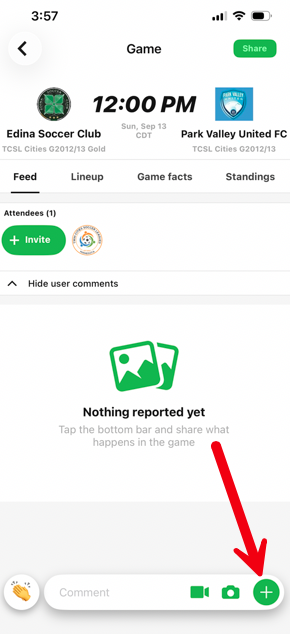
Once the game is open, use the green "+" in the bottom right to open the team management menu. From here you can follow the tutorials set out in the Team Mangement section in the same manner a coach or manager would.
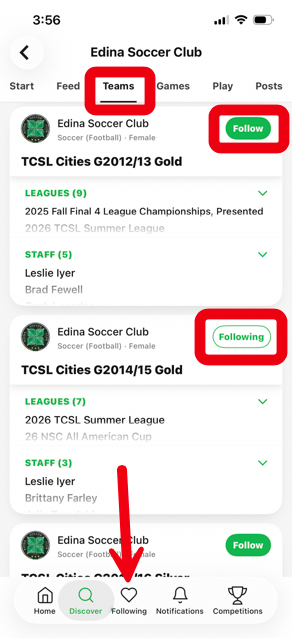
NOTE: You can also choose to "follow" teams in the Discover tab if you want to access them quickly. They will then populate in the Following tab and you will receive notifications about that team if you activated push notifications.