 Digital Gameday
Club Staff guides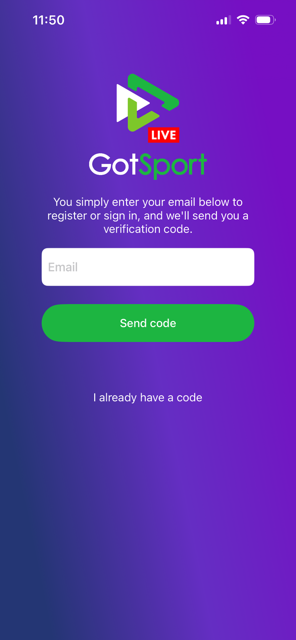
Club Staff
How to get started with the GotSport Live App
How to find the app and connect to your GotSport Admin profile.
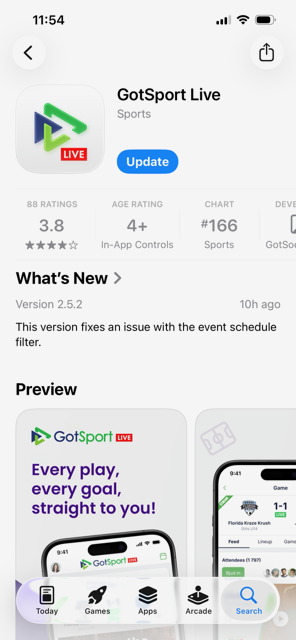
2Step 2
Open the app and enter the email address connected to your Club Admin profile in GotSport. That you use the same userID email set up in GotSport is very important as this will give you admin access to all of your teams in the app.
3Step 3
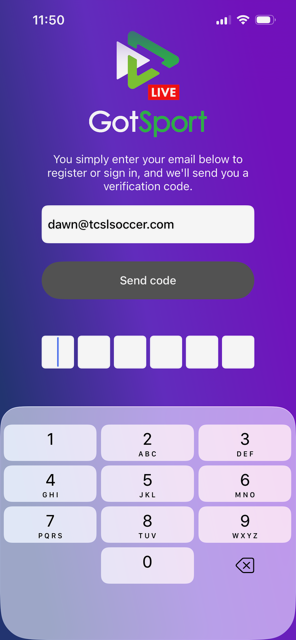
You will be asked to enter a code sent to the email address entered.
4Step 4
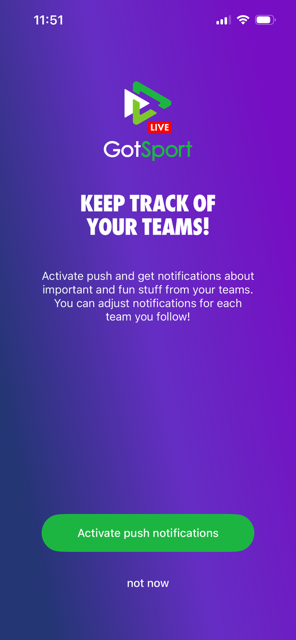
You will have the option to activate push notifications, this will send notifications related to teams you decide to follow.