 Digital Gameday
Report Game Results
After the final whistle, submit the score along with any cautions, ejections, or incidents — right from the field.
Check-in and score reporting functions do NOT require you to download the app, however you may. If you have the app installed, when visiting the QR code, you will be redirected to your app.
GotSport Live App: Apple Store | Google Play
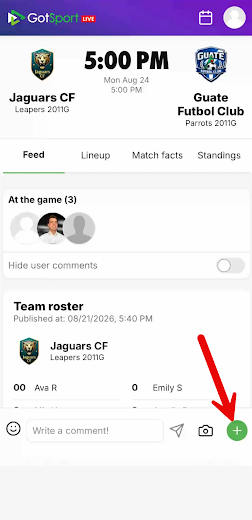
After the match, repoen the same browser window you used to check in the teams. Tap that green "+" icon again to open the match menu. If you had closed the browser window, ask the home team manager or coach to provide it again.
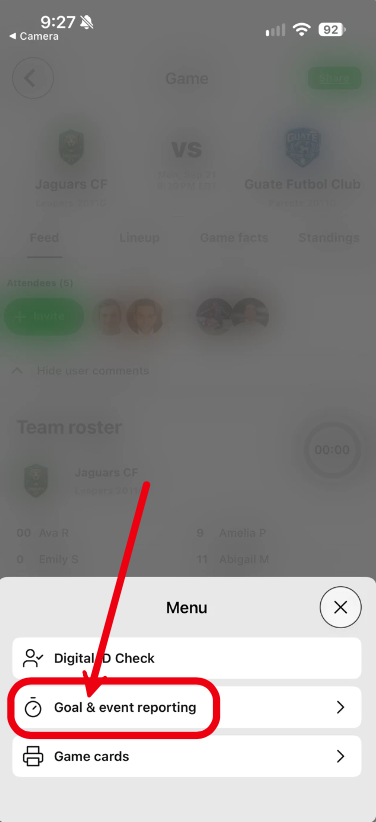
Select "Goal & event reporting".
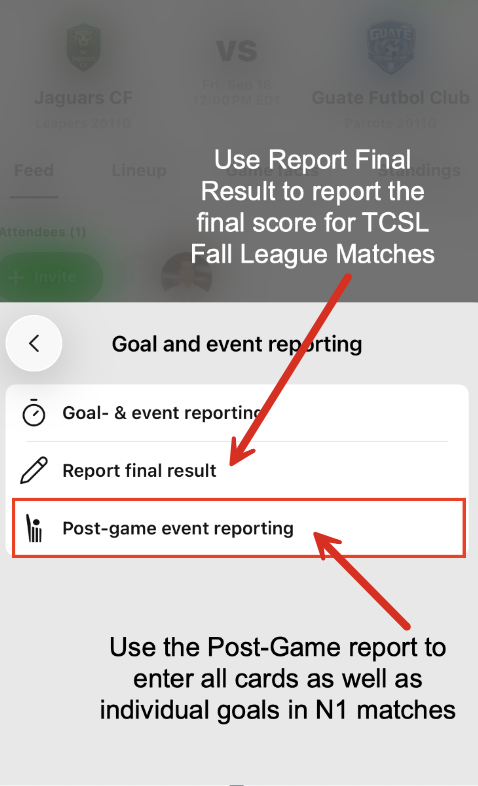
This gives you several options
For TCSL Fall League matches, selecting Report Final Result lets you enter the final score without individual goal entry.
The Post-Game Event Reporting is needed for either league to report red and yellow cards, this option also allows for reporting the individual goals needed for N1 matches.
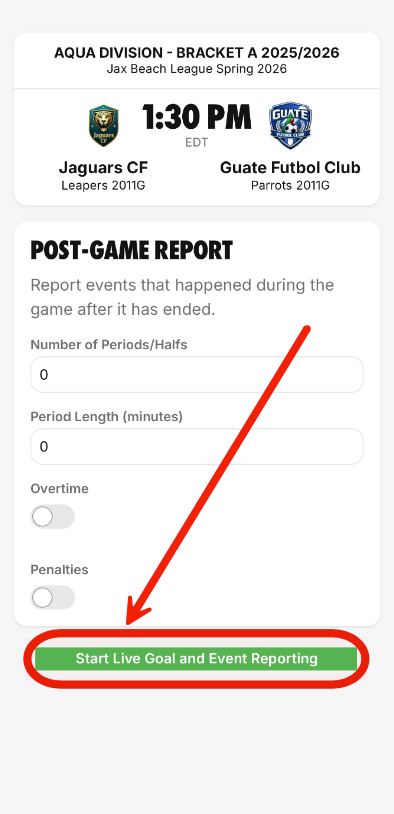
Steps 4-11 show the process of reporting individual goals for N1 matches. If you entered the final score for a TCSL Fall League match, skip to step 12 to report any red or yellow cards.
Enter the number of periods and length, then click "start live goal and event reporting".
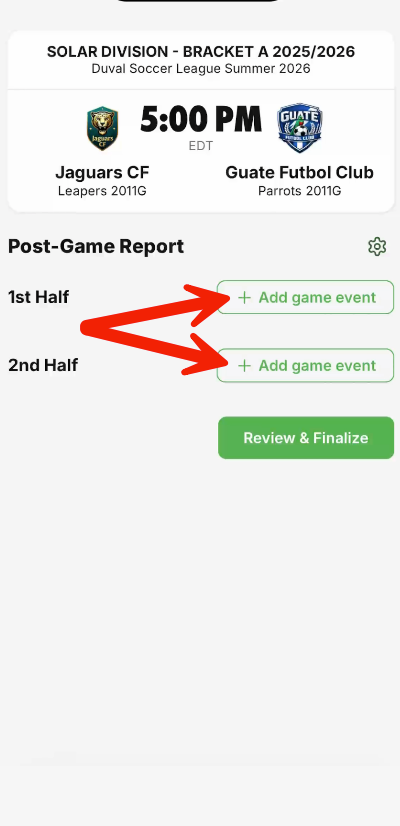
Click the "add game event" button for either the first half or second half.
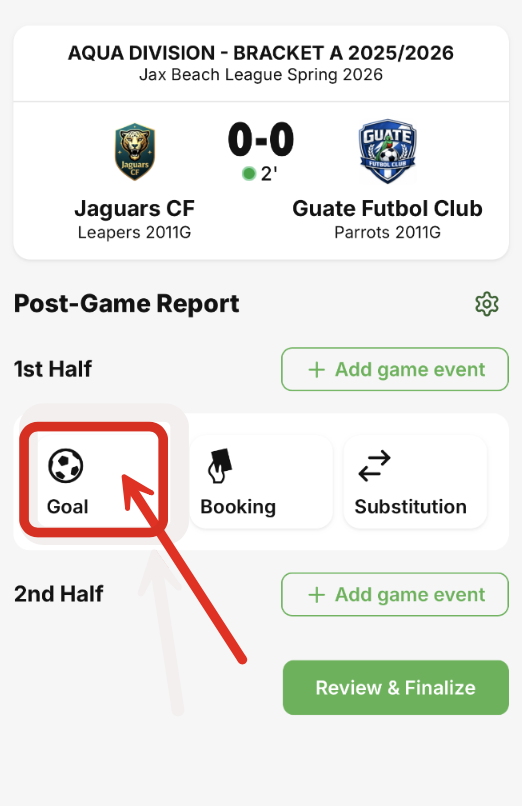
Tap "Goal" to report a goal.
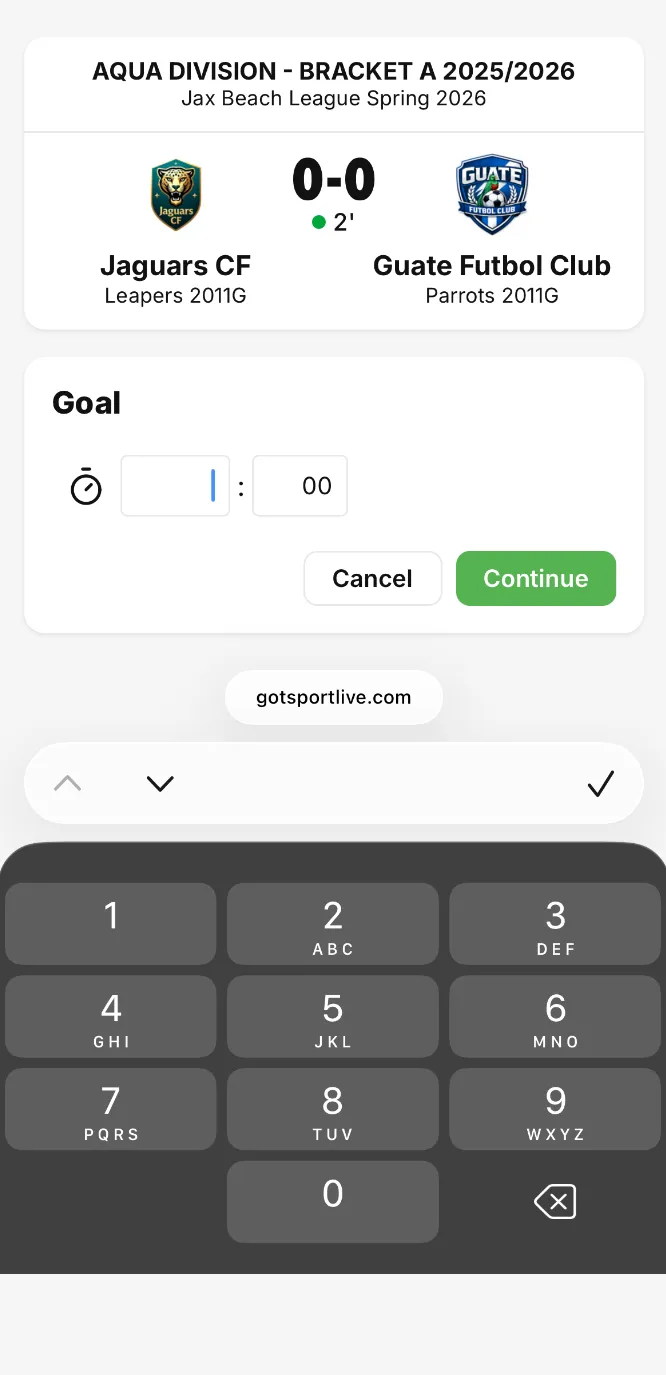
Enter the time the goal occurred, then click "continue".
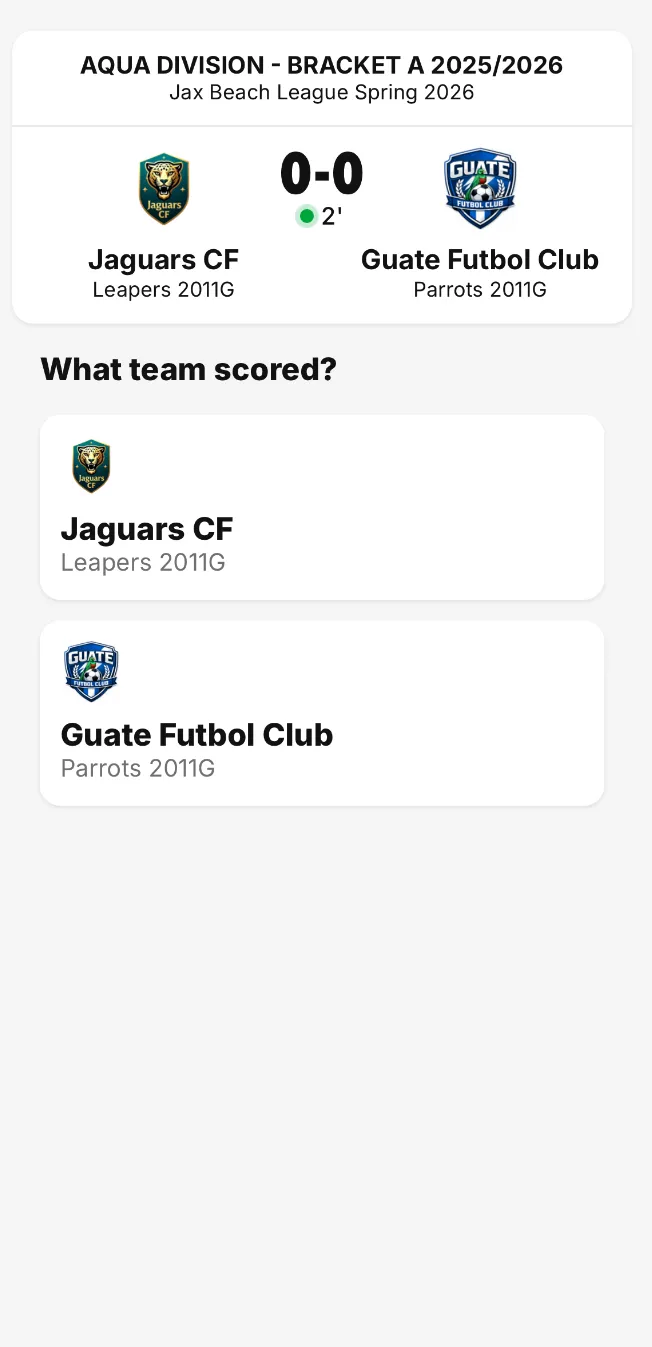
Select the team that scored the goal.
Select the player that scored, or "unknown".
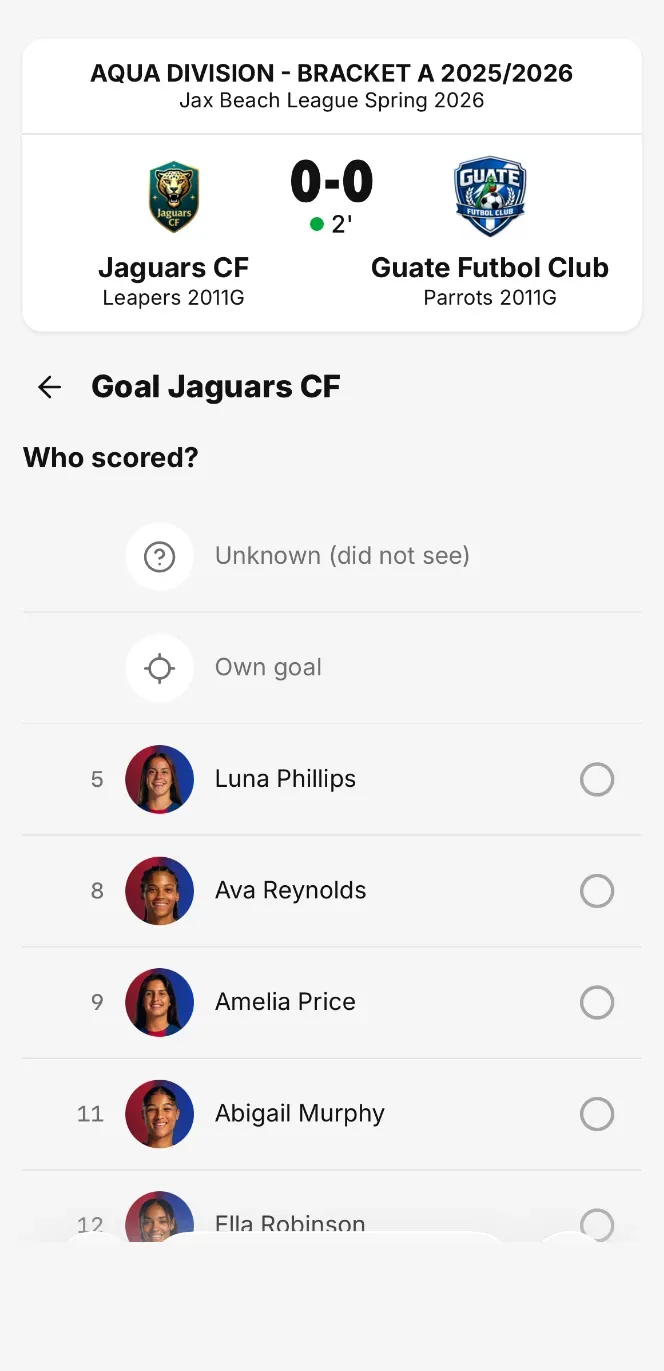
Confirm the information is correct, then click "save".
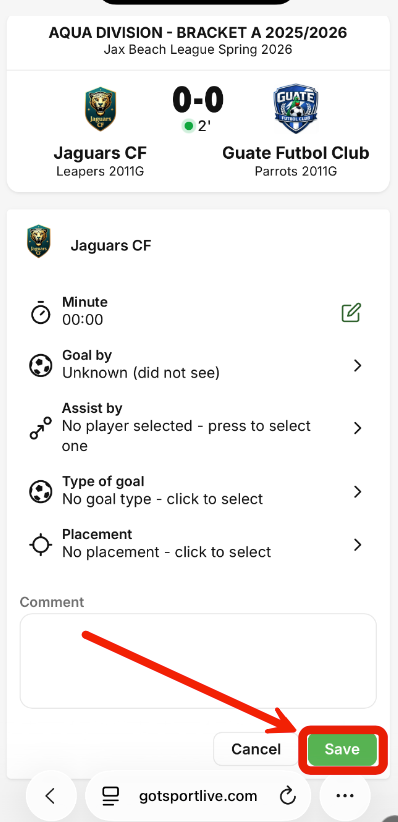
Continue until all goals are reported.
To report a red or yellow card, tap the "booking" button in the "add game event" options. Depending on your device, this button may show up as "Cards".
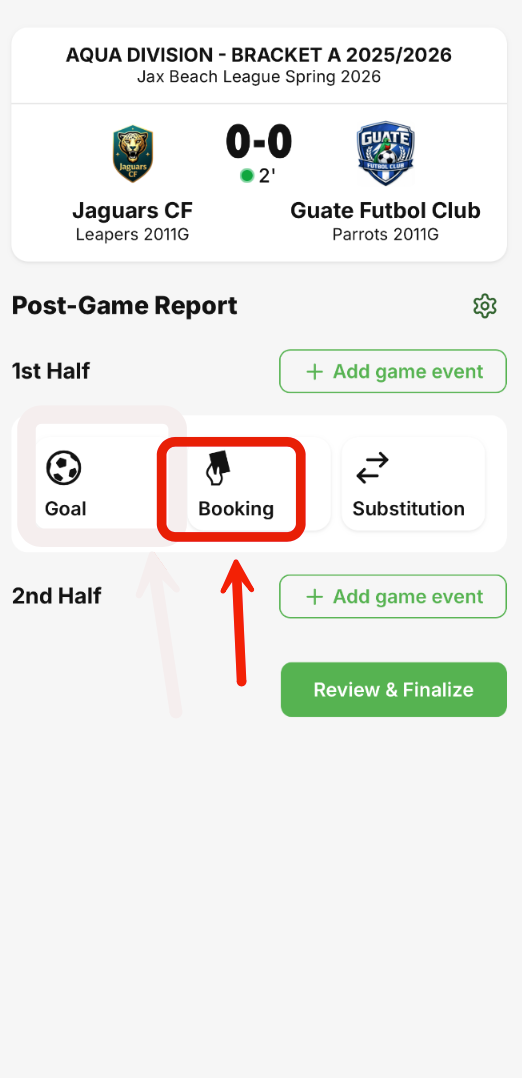
Enter the time the card occurred and click "continue".
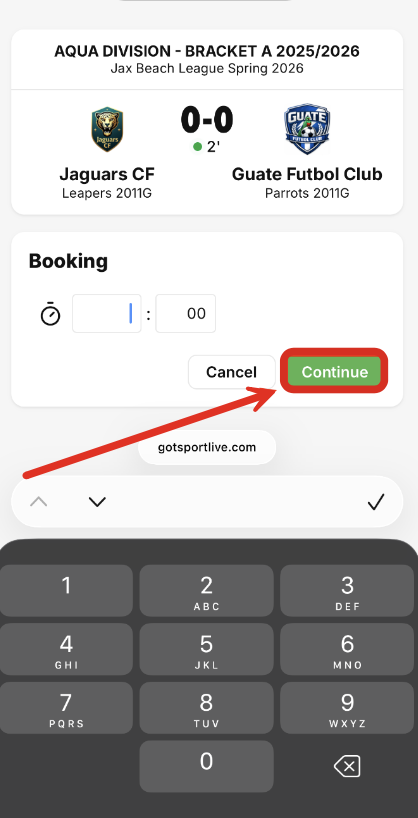
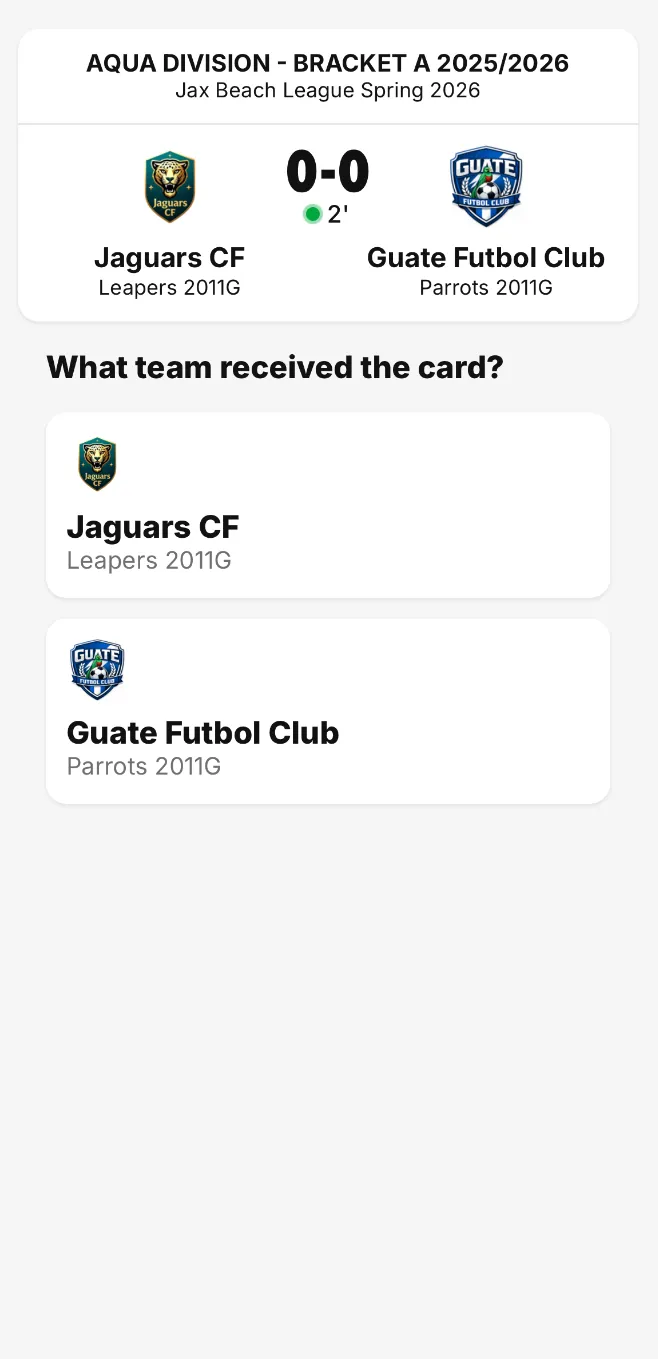
Select the team that received the card.
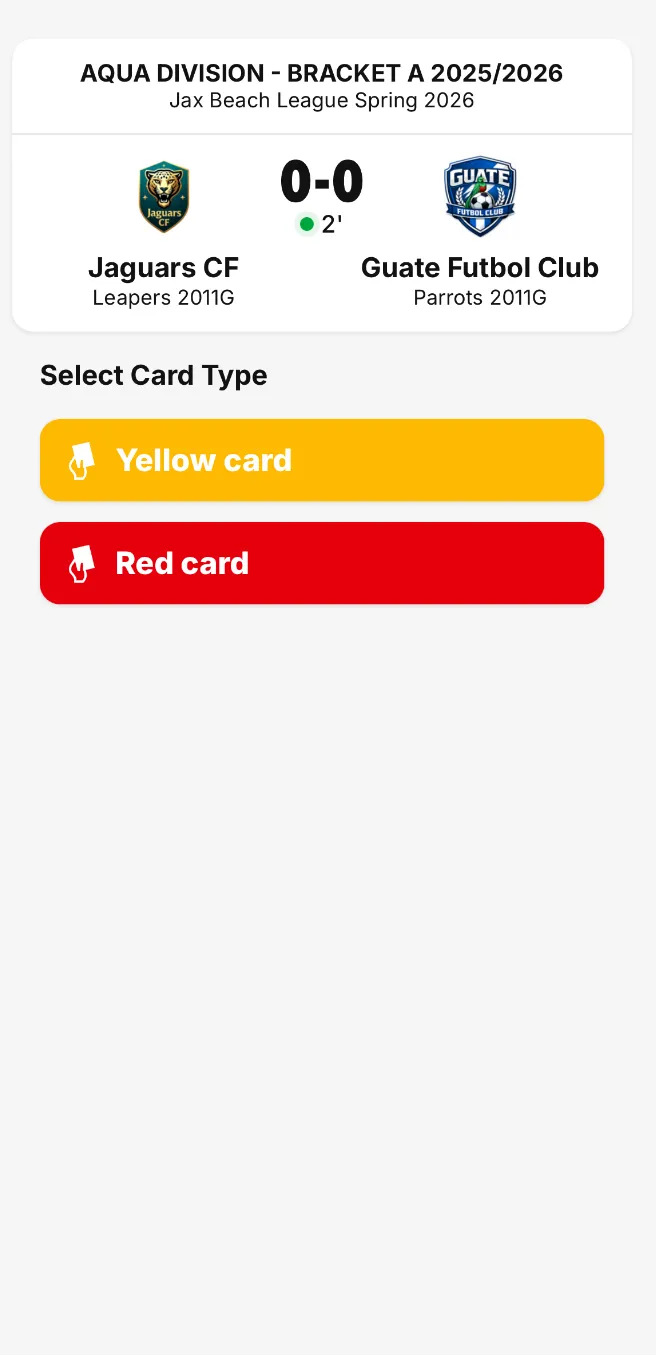
Select the card type.
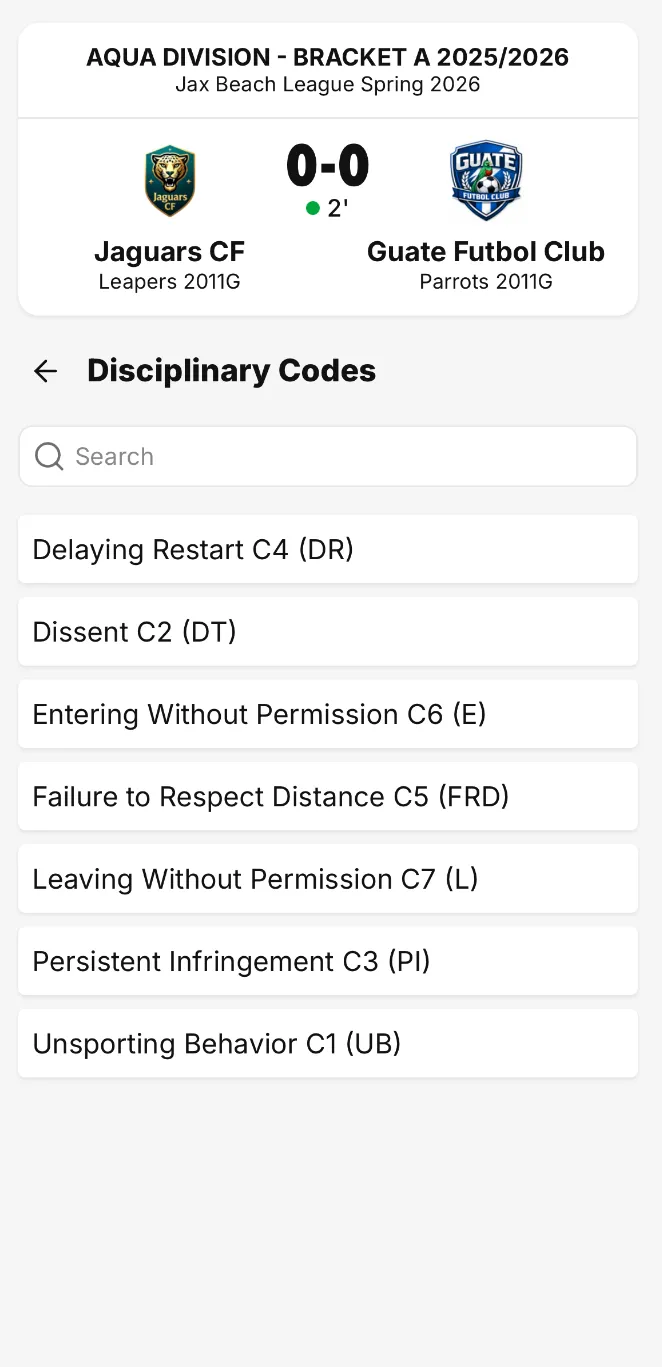
Select the disciplinary code.
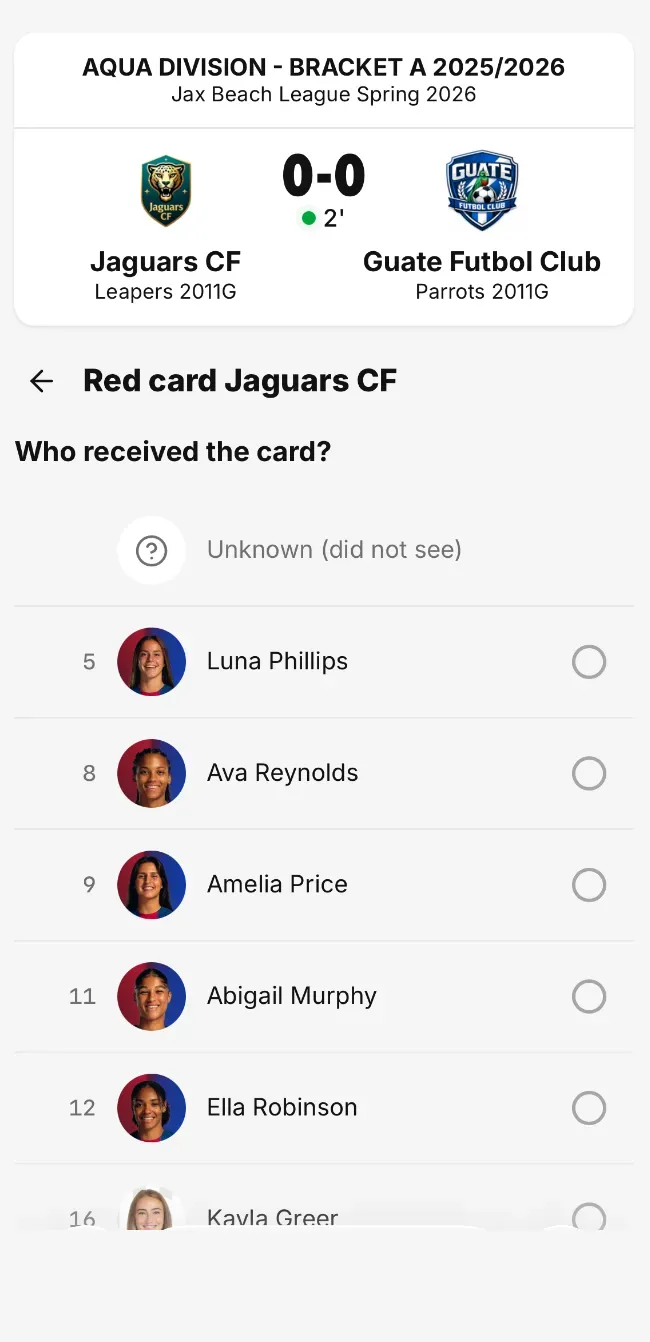
Select the team member to assign the card to.
Review the card information, adding notes on the situation before clicking "save".
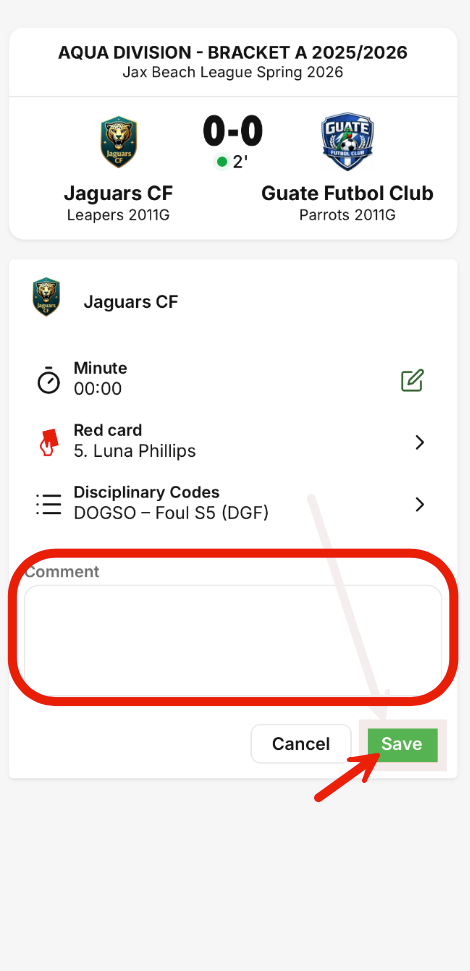
Repeat until all cards have been entered.