 Digital Gameday
Team Staff guides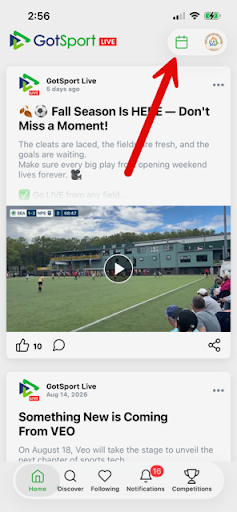
Team Staff
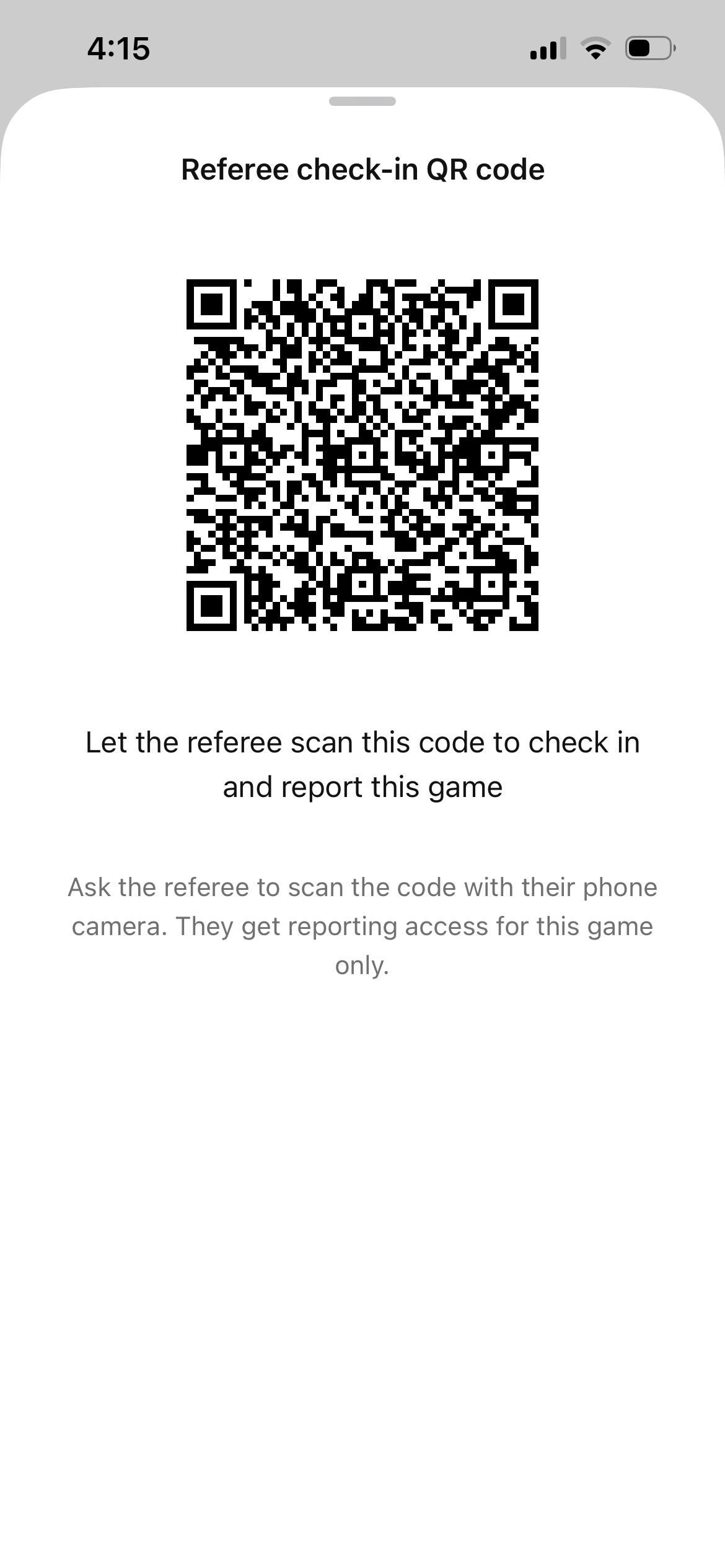
Accessing the match QR code to give match officials
The home team coach or manager will provide the match QR code to match officials so they can access check-in and scoring.
NOTE: starting the weekend of 9/18-20 TCSL Fall League officials will have the ability to report the final score without reporting individual goals. This does not apply to N1 matches.
1Step 1
Open the GotSport Live app and navigate to your team's schedule using the calendar icon in the upper right.
2Step 2
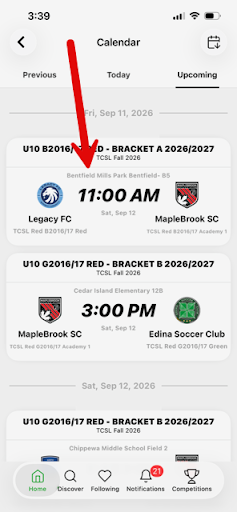
Tap on the match you are wanting to access the QR code for.
3Step 3
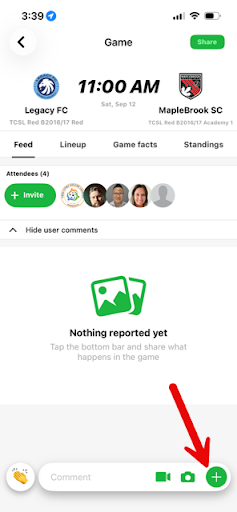
Tap on the green plus sign in the lower right to open the match management options.
4Step 4
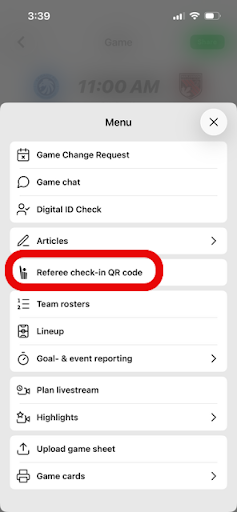
Select "Referee Check-In QR Code" from the list of options.
5Step 5
Present the QR code to the center referee to scan on their own device, this gives them access to the match.
6Step 6
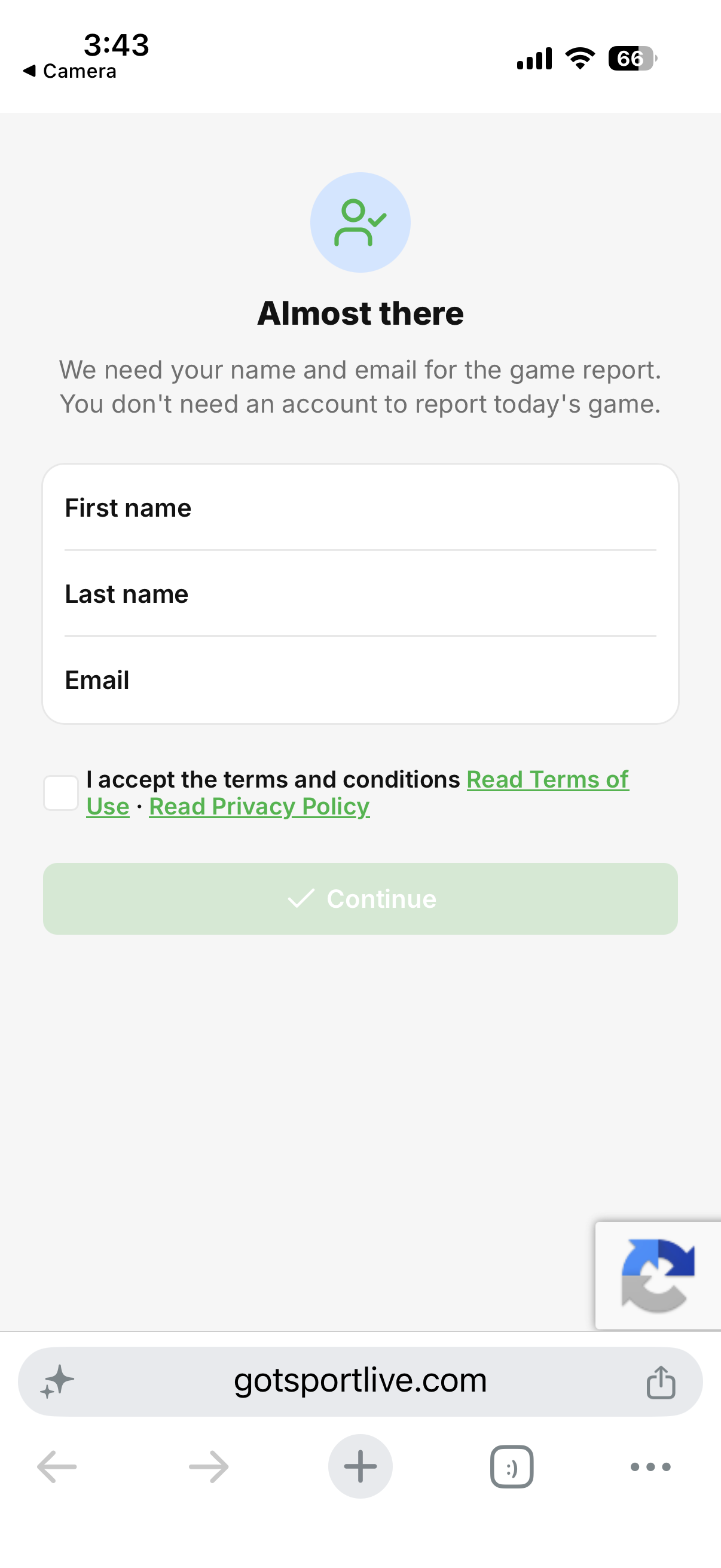
The match official will take it from there. They will be asked to enter their name and email address. The match will open in either their browser or the GotSport Live app should they have it downloaded to their device. (NOTE: the app IS NOT needed for officials to check-in the team, their access is through their web browser)