 Digital Gameday
Team Staff guides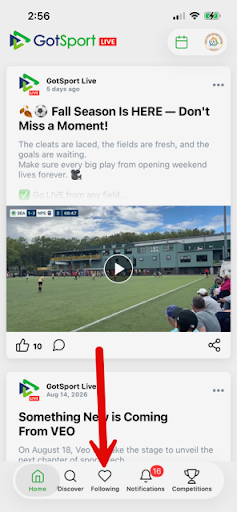
Team Staff
Manage team privacy settings
There are several team privacy settings that let you determine which information will be included in the publicly facing team profile and match roster.
NOTE: depending on your device, some of the icons and button placements may differ slightly from what is shown here, but the process is in essence the same.
1Step 1
Open your GotSport Live app and tap the "Following" heart icon at the bottom of your home screen.
2Step 2
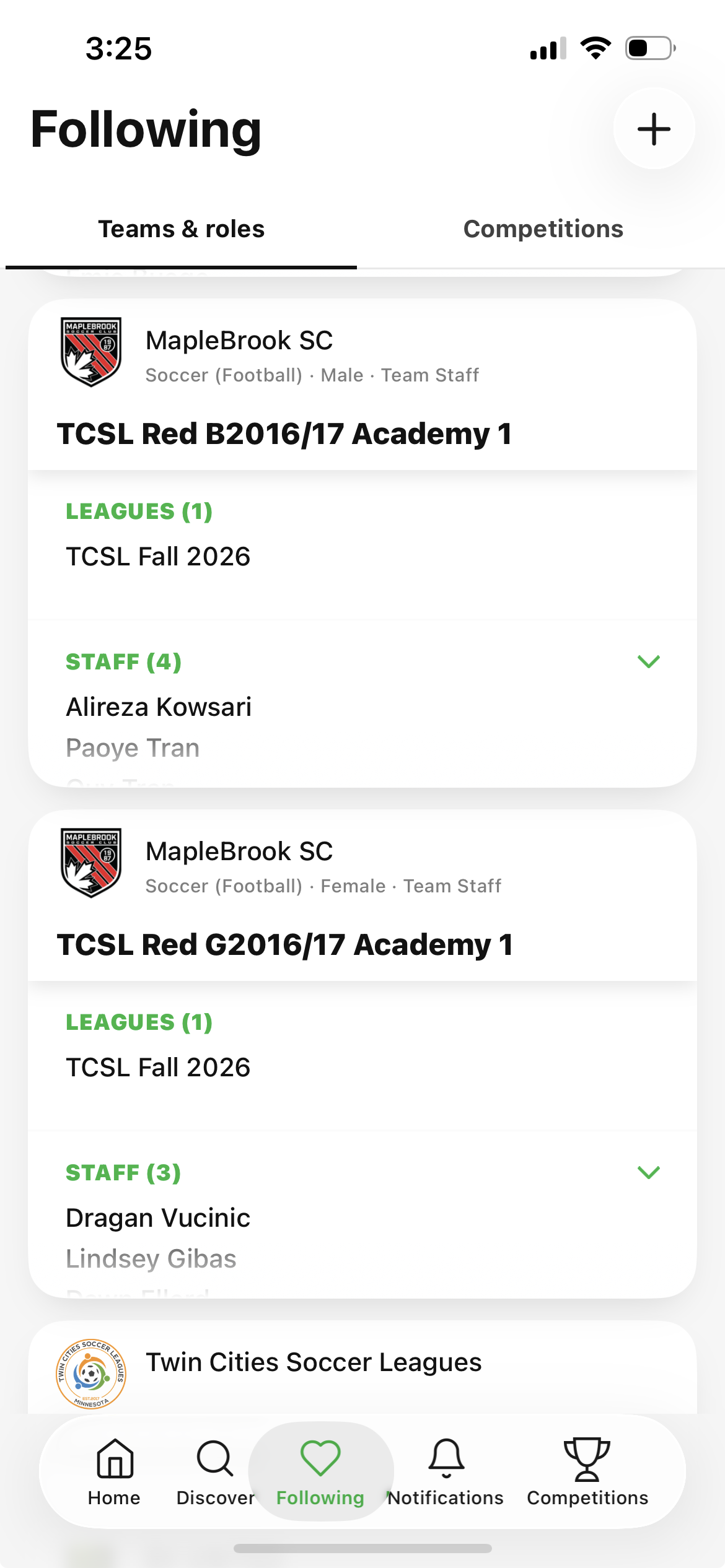
Tap on your team name.
3Step 3
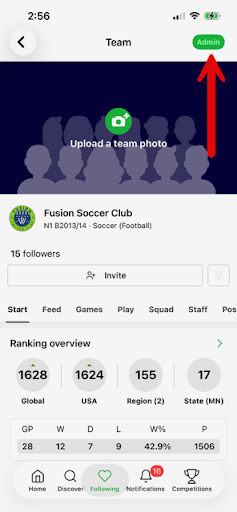
Click on the green "Admin" button in the upper right.
4Step 4
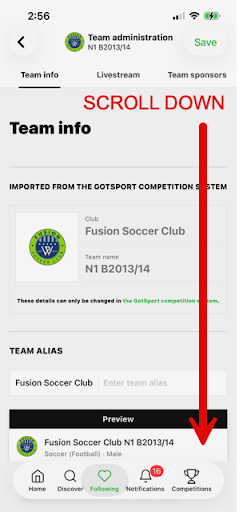
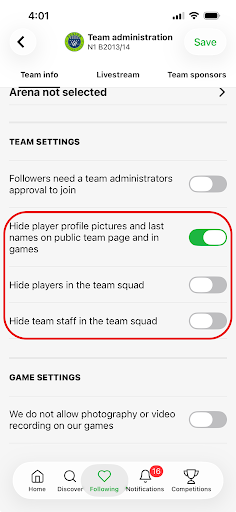
This opens the team info page. Scroll down until you find the Team Settings section.
5Step 5
There are 3 settings related to public visibility of player and staff information:
1) "Hide player profile pictures and last names on public team page and in games" does just that. In public-facing pages in the GotSport Live app player photos will be replaced with the club logo and names will be reflected as First Inital with Last Name.
2) "Hide players in the team squad" prevents the players from showing in public rosters or lineups within the GotSport Live app.
3) "Hide team staff in the team squad" prevents staff from showing in public rosters within the GotSport Live app.
Once the settings are configured to your preferences, click the "save" button in the upper right.